Why Your Helpdesk Feels Slow (And What to Do About It)
That sluggish feeling isn't in your head. Here's why most helpdesk software can't keep up with you, and what needs to change.
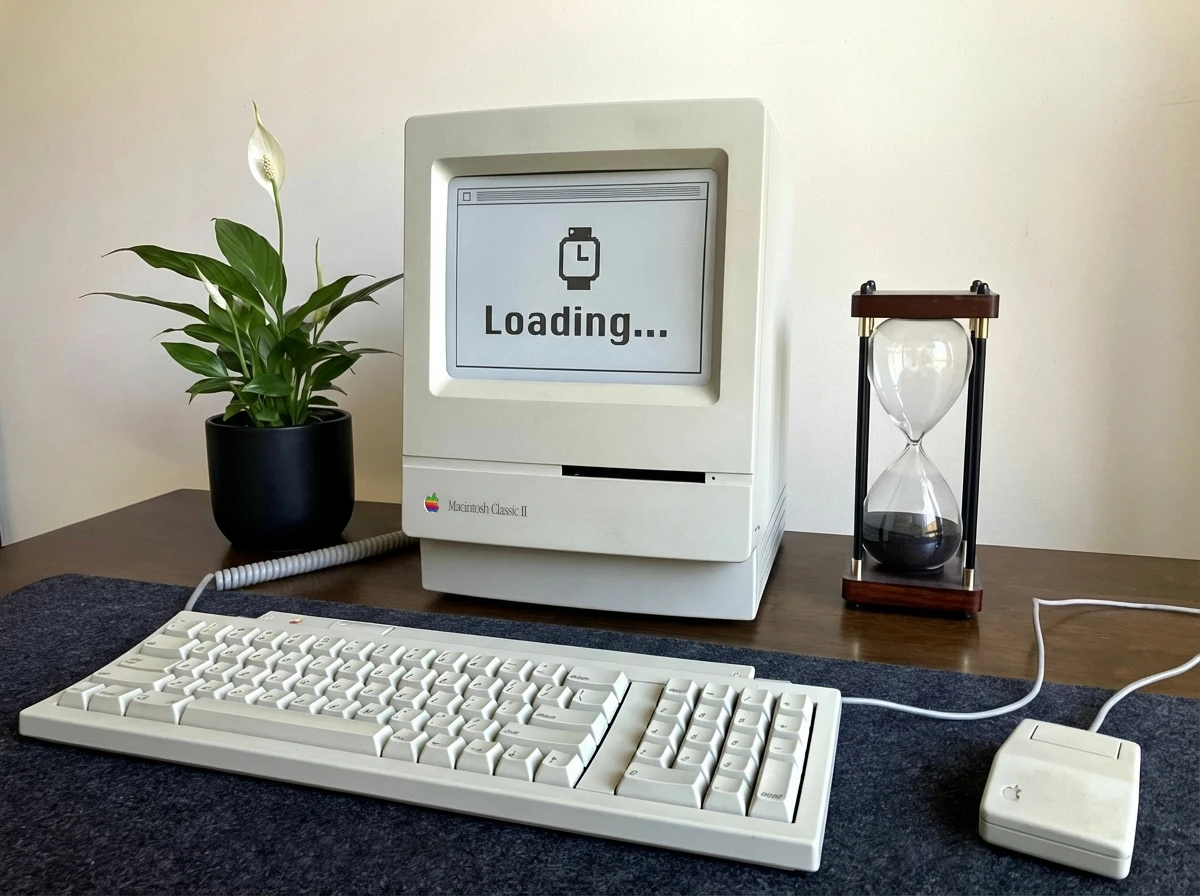
You click a button. You wait. The spinner appears. You wait some more. Eventually, the page catches up with what you asked it to do three seconds ago.
If you’ve ever felt like your helpdesk software is working against you, you’re not imagining it. There are real architectural and design reasons why most ticketing systems feel sluggish, and understanding them is the first step toward finding something better.
The Technology Behind the Lag
Most commercial helpdesk platforms were built on web frameworks from an era when “fast” meant the page loaded in under five seconds. These systems weren’t designed for asynchronous requests. Every action you take triggers a round trip to the server. Adding a comment, changing a status, assigning a ticket. Each one blocks you until it completes.
Modern frontend frameworks like React and Vue handle things differently. They process requests in the background while you continue working. Update a ticket and the interface responds immediately while the save happens behind the scenes. No spinner. No interruption. No fighting your tools.
The backend matters too. Many modern web applications are built with Node.js because it’s quick to develop with and easy to hire for. But Node.js is an interpreted language. Every time your request hits the server, the code runs through a translation layer before anything happens. It’s fast enough for most purposes, but “fast enough” adds up when you’re making dozens of requests per minute.
Nosdesk is built with Rust and Actix. Rust compiles directly to machine code, so there’s no interpreter sitting between your request and the response. The server runs your code as close to the hardware as possible. The result is response times measured in microseconds instead of milliseconds. You won’t notice the difference on a single request, but across a busy day of ticket handling, it’s the difference between software that feels instant and software that feels like it’s always half a step behind.
The difference isn’t subtle. It’s the difference between software that keeps pace with your thinking and software that breaks your flow every few seconds.
Process Overhead That Doesn’t Fit
Enterprise change management exists for good reasons. Approval workflows, audit trails, escalation procedures. These processes create accountability and ensure significant decisions get a second set of eyes.
But not every task needs a governance framework wrapped around it.
When someone can’t connect to the printer and you’ve fixed this exact problem a hundred times, you don’t need three levels of approval to start working on it. You need to get it done and move on.
Small teams work differently. You collaborate in real time, bouncing ideas off each other, picking up where someone else left off. You need a system designed around communication and quick action, not one that assumes every ticket is a potential audit finding.
The best helpdesk software supports rigorous processes when you need them and gets out of your way when you don’t.
Walled Gardens and Workarounds
Picture a technician with six browser tabs open, copying information from the helpdesk into a spreadsheet, cross-referencing an asset database, updating a monitoring tool, then going back to close the ticket. This isn’t an edge case. It’s Tuesday.
Most helpdesk systems are closed ecosystems. They don’t integrate with the other tools your team relies on, so you build workarounds. Manual processes and copy-paste workflows that exist purely because your software won’t talk to anything else.
Technical teams should have the power to extend their tools, build integrations that match their workflows, and connect systems together instead of working around the gaps between them.
Documentation as a Byproduct
Every IT team knows they should document more. Create knowledge base articles. Write up solutions so the next person doesn’t have to figure it out from scratch.
But documentation takes time. When you’re clearing a ticket queue, time is exactly what you don’t have.
The friction matters. If turning your ticket notes into a shareable document requires opening another system, reformatting everything, and manually linking it back, it won’t happen. Not consistently. Not when things get busy.
Good documentation should emerge naturally from good ticket handling. Convert your notes into a knowledge article with minimal effort. Reference solutions directly from related tickets. Capture institutional knowledge without a separate workflow dedicated to it.
Interfaces Designed for Procurement, Not People
Have you ever used a helpdesk that looked like it had more buttons than NASA’s control room in Houston? Toolbars stacked on toolbars. Dropdowns with forty options. Buttons for features you’ll never use competing for attention with the ones you need constantly.
We’re not trying to launch a spacecraft. We’re just trying to move as fast as one.
Enterprise software often gets designed for the procurement checklist, not the person using it eight hours a day. Every feature request becomes a new button. Every edge case becomes a new menu option. Eventually, finding what you need becomes its own task.
Simplicity isn’t about removing capability. It’s about designing an interface where complex tasks emerge from simple, interconnected pieces. Power users can move fast without beginners getting lost.
Your helpdesk should feel intuitive on day one and efficient on day one thousand.
What Needs to Change
The technology exists to build helpdesk software that responds instantly, adapts to how teams work, integrates with everything else, makes documentation effortless, and stays usable at scale.
It just hasn’t been the priority.
Most of the market optimised for enterprise sales cycles and feature checklists instead of the daily experience of the people using the software. That’s a choice, and it’s one that can be made differently.
I’m building Nosdesk to prove it. Changes that sync instantly across your team. An interface designed for speed without sacrificing depth. The extensibility to let technical teams build what they need. Documentation that flows from your existing workflow without extra effort.
It’s not ready yet, but the direction is clear: a helpdesk that finally keeps up with you.